
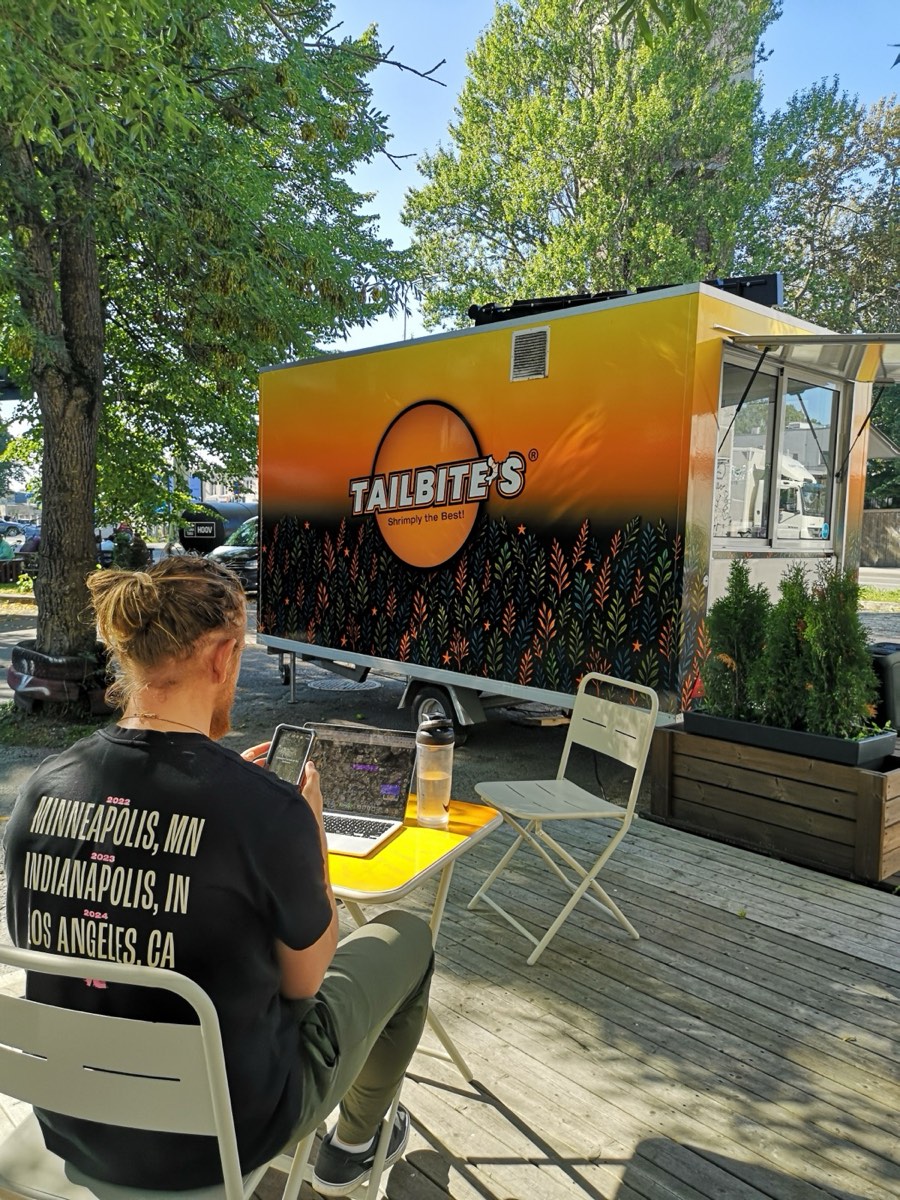
Our guests see crispy shrimp, a smile at the window and a warm takeaway bag. Behind it all, another shift is running. Its menu includes emails, supplier quotes, invoices, spreadsheets and the question: “Where was that latest version again?”
This is the restaurant’s other kitchen. When work piles up there, the tiredness eventually reaches the first one too.
At Tailbite’s, we’ve started reorganising this work behind the scenes with AI. One change is easy to see: emails get written faster. Another is quieter, but just as important: we’re building a system that connects our business knowledge, working instructions and the right data sources.
Our experience is simple: a good AI conversation helps. Recurring work also needs a good way of organising it.
“I’ll just reply to this one email.”
Then we need to find an earlier agreement. Check what we promised. Think about the tone of our reply. Make sure we’ve answered every question. And before the first email is ready, three more have arrived.
By our own estimate, writing emails, replying and keeping the inbox under control used to take one to two hours a day. With AI, drafting an email in particular has become noticeably faster.
a day on email
Our earlier estimate for all email work and inbox management.
faster email drafting
Tõnis-Denis’s estimate based on experience. More thorough content is part of the benefit too.
These figures describe different scopes of work. We haven’t measured the new total daily time spent on the inbox, and we aren’t claiming that all email work is ten times faster.
A good assistant does more than put sentences together. When we give it the relevant correspondence and background, it helps us spot unanswered questions, distinguish agreements from assumptions and draft a reply that sounds like us. Reviewing the content and deciding what we can actually promise remain our responsibility.
The nicest change isn’t always something a stopwatch can measure. It’s the feeling that an unfinished email is no longer hanging over us all day.
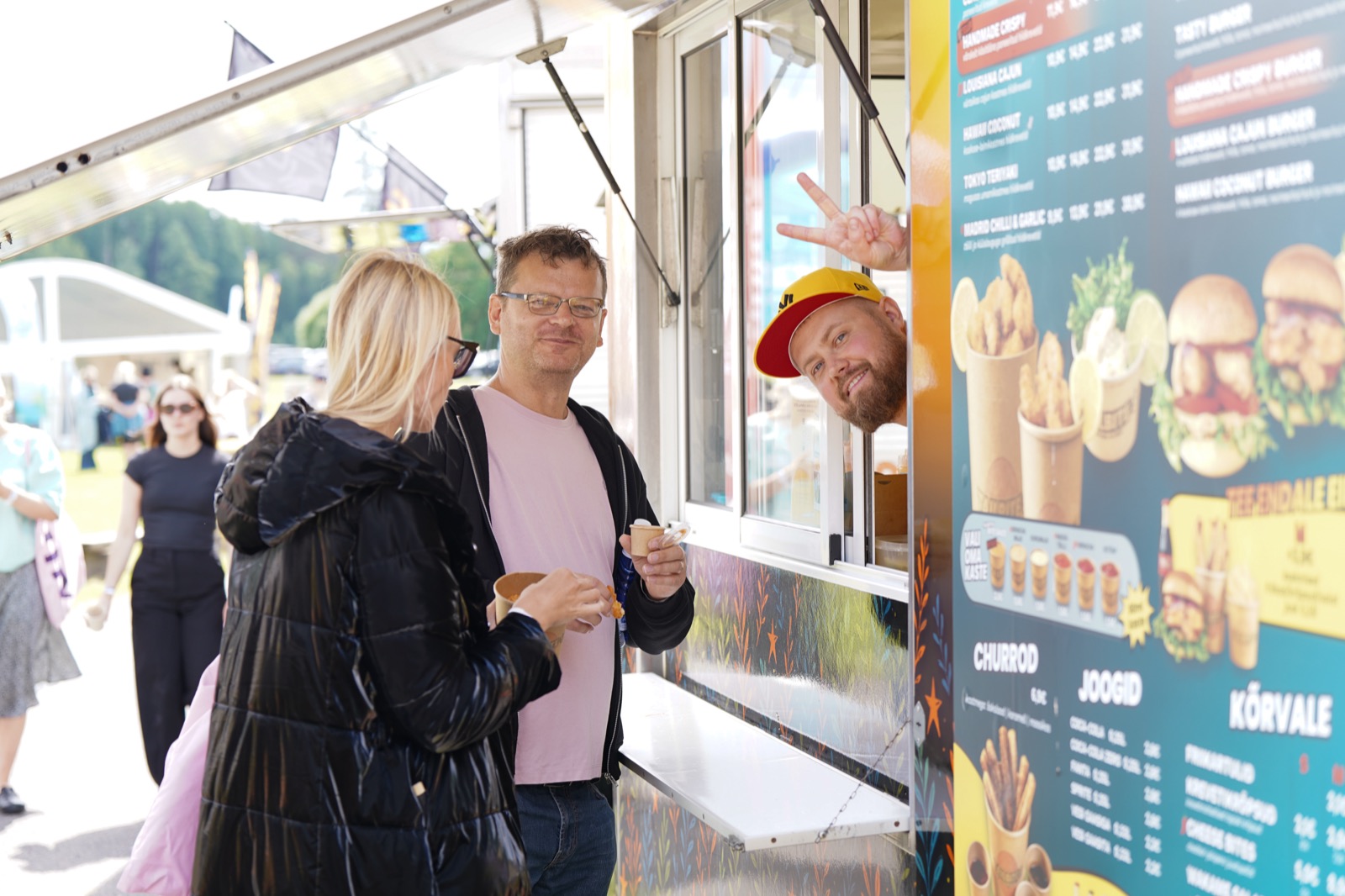
AI needs an introduction. Just like a new colleague.
We wouldn’t simply hand a new colleague a computer on their first day and say “run the restaurant”. We’d explain who we are, how we talk to guests, where to find the numbers and which decisions need approval.
AI is no different. That’s why we’ve created our own OS: a context system for organising our work. It consists of readable files: business background, rules, confirmed decisions and working instructions. Here, OS refers to how we organise work, not a computer’s operating system.
The files use Markdown — essentially plain text with headings and lists. People can open, edit and check them too. Knowledge doesn’t have to stay hidden inside a single conversation.
├── AI_INSTRUCTIONS.md
├── AGENTS.md
├── CLAUDE.md
├── context/
├── memory/
├── companies/
│ └── tailbites/
└── operations/
AI_INSTRUCTIONS.md
## Working standard
“Always distinguish facts, assumptions, estimates, ideas and unconfirmed information.”
“Use numbers, original sources and current data when making decisions. Don’t invent missing figures.”
“Prefer a simple, usable solution. Develop the system through real work.”
What do these folders actually do?
Context provides the background: values, roles, tone of voice, systems and permissions. Companies/tailbites holds company-specific working instructions and references. Memory helps preserve confirmed decisions and lessons learned. Operations describes how to build workflows and keep knowledge organised.
The main instructions are now shared across different AI environments. AGENTS.md and CLAUDE.md point to them. This helps keep our working principles consistent when we switch tools. Access, connections and conversation history still need to be checked separately in each environment.
Memory needs an editor
Not everything said in a conversation automatically becomes a new company rule. A good idea, an initial estimate and a confirmed decision need to remain distinct. When an agreement changes, we need to update the right file and record what the change is based on.
That means we don’t have to explain the same background at length next time. We can also still check what the system actually knows.
The right answer starts with the right source.
An OS file isn’t the source of truth for today’s sales or stock levels. Changing figures need to come from the systems where they’re actually recorded: sales information from Spindl, accounting data from Merit and original documents from Drive.
“The Markdown file contains a summary, a definition and a link; the changing source data stays in its primary system.”Our OS folder structure guide, translated from Estonian
This small rule helps prevent a big mistake: using an old spreadsheet or a number mentioned in a conversation as the basis for today’s decision.
From data to a checked decision
Original source
Spindl · Merit · Documents in Drive
OS context
The right company · Rules and working instructions
AI + calculation
Interpreting text · Verifiable calculation
Human decision
Review · Approval and action
Example: a supplier quote where the cheapest line may not be the cheapest purchase
One quote gives a price per kilogram, another per pack. One product’s weight includes ice glaze, while another lists the net weight separately. VAT treatment, delivery costs and minimum quantities may differ too.
Comparing the price column alone can quickly produce an attractive but misleading answer. In our purchasing review workflow, we first need to check whether the products and units are comparable at all. Only then can we discuss a price difference.
- Find comparable products.Check the description, packaging, unit and net weight.
- Calculate on the same basis.Convert prices to a comparable unit and account for the known purchasing terms.
- Make missing information visible.A missing delivery cost or unclear weight calls for a question, not an assumed saving.
- Provide a clear summary for the decision.What is comparable, what needs clarification and what is the result based on?
Manually comparing supplier prices has previously taken an estimated 20–30 minutes. We haven’t yet measured the full time required by the AI-assisted workflow. For now, it is a comparison process tested on historical data; it does not place orders automatically.
Example: a management view where every number has a source
We’ve built a local dashboard that brings together sales, accounting and marketing information. Its purpose is to help us see the whole picture and move from a question to the relevant original source.
The dashboard separates sales and loyalty, financial information, purchasing, marketing and day-to-day management. Sales data, for example, comes from Spindl and accounting information from Merit. On the marketing side, it uses web analytics, search visibility and channel data according to the connections available.
One view. Visible sources.
A diagram based on our existing local setup
Sales and loyalty
Spindl
Locations · Sales information · LoyaltyFinances
Merit Aktiva
Profit and loss · InvoicesMarketing
Website and channels
GA4 · Search Console · MailchimpA combined view doesn’t mean every company system is already automated. Direct connections to the bank, CostPocket and advertising accounts, for example, haven’t been set up in this dashboard. We need to be honest about missing data so that gaps don’t create a false sense of certainty.
Example: marketing copy that starts with our voice
A good post takes more than a request to “write something nice”. The Tailbite’s context describes our tone of voice and values. That gives AI a warm, direct and human starting point for a draft.
Still, seasonal offers, prices, dates and other changing details need to be checked against the right source. AI helps with the wording; we’re responsible for keeping the promises we make to our guests.
Start with one tedious task.
In our experience, the best starting point is a specific recurring task. Replying to an enquiry or comparing two supplier quotes, for example. With work like that, we can tell whether a solution is actually useful.
- Describe the finished result.“Help with purchasing” is too broad. “Compare these two quotes and flag missing terms” gives a clear goal.
- Write down the necessary background.Who are we? What tone fits? What limits apply? A few short text files are enough to start.
- Identify the right data source.Describe where each necessary fact comes from. Give access only to the relevant company and the specific task.
- Break the work into steps.Reading the input, checking, calculating, drafting and making a human decision are separate stages. Calculations need to be verifiable. Permission to send or publish must also be enforced in the tools.
- Test what happens when things go wrong.What happens with a duplicate invoice, an old price list, a missing file or the wrong company? A good workflow can stop and ask for the information it needs.
- Measure the time for the whole task.Include preparing the input, the AI’s work, checking and corrections. Only then can you see the real time saved.
If a workflow is useful, it can become a reusable set of instructions, or a skill. Next time, there’s already a description of what to do, which sources to use and how to check the result.
Our system grows through real work. Every new file should make something easier. If nobody uses an instruction, or it duplicates another one, it needs tidying up too.
AILithe. Lighter work. More room for life.
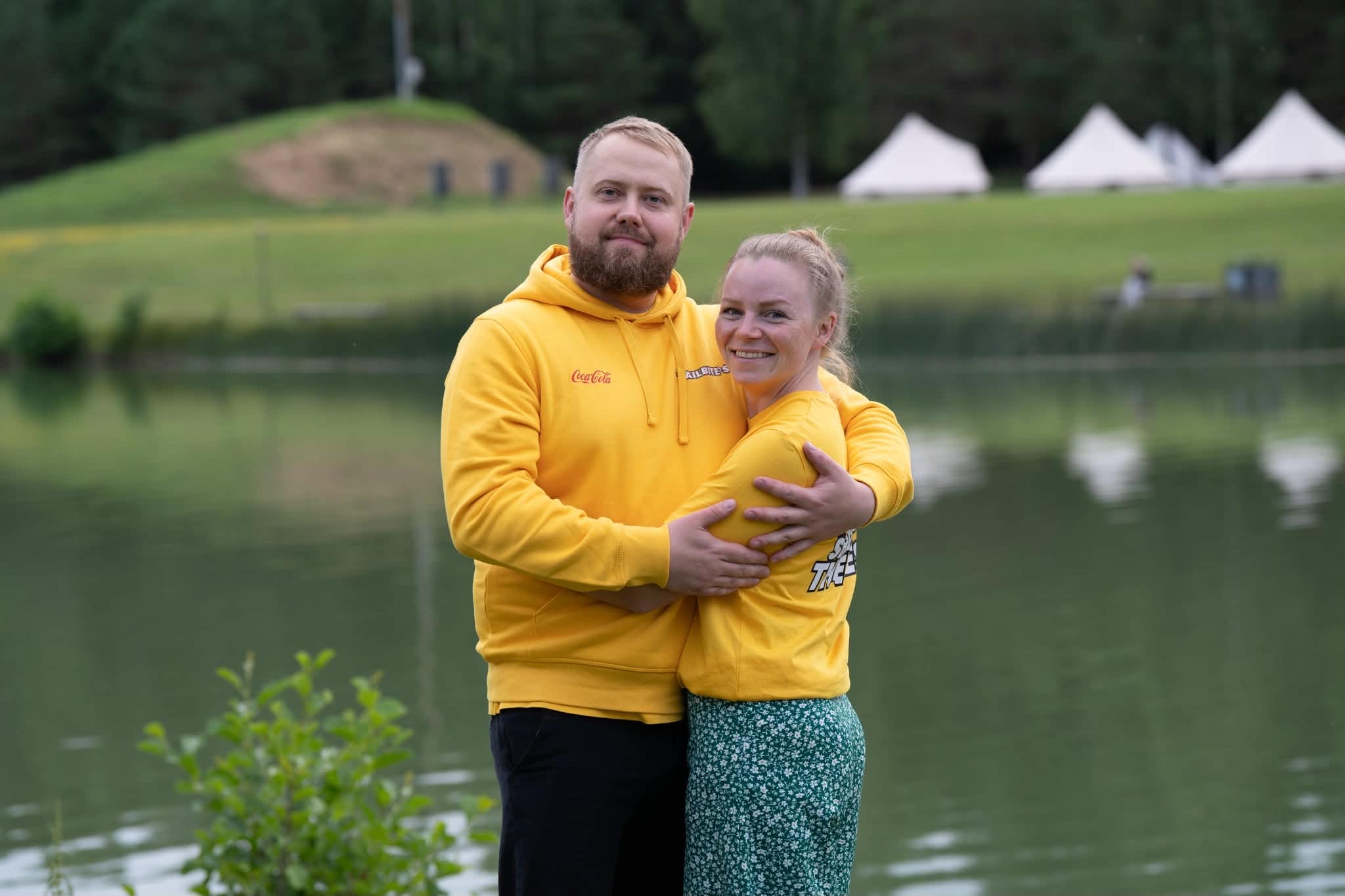
AILithe is our partner in building this part of the business. For transparency: Tailbite’s and AILithe share the same founders, Tõnis-Denis and Pille-Riin. The restaurant’s everyday needs give us a very practical setting in which to design solutions and assess how useful they are.
AILithe’s role is to help map workflows, create the context AI needs, connect work to data sources and teach people how to use these solutions in their jobs. A technical connection is only one part. Clarity about what the system should do and who is responsible for the result matters just as much.
For Tailbite’s, this means building our way of working step by step around real days: emails, quotes, management questions and the wish to actually finish work in the evening.
WHAT IS ALL THIS FOR?
More presence. Fewer loose ends.
We don’t measure a good day at the restaurant only by how many emails we sent. We want the food to be good, the team to have clarity and every guest to feel welcome.
AI can help work behind the scenes demand less of our attention. To do that, it needs the right context, reliable sources and clear boundaries. We, in turn, need to distinguish honestly between what already works and what we’re still building.
Crispy shrimp. The background work in order. And more room in the day.
Photos, examples and time estimates
Photos: the Tailbite’s Drive and website archive, plus an existing photo of the founders. The OS file view is based on AI_INSTRUCTIONS.md and operations/FOLDER_STRUCTURE.md. Workflow descriptions are based on the OS instructions, the Tailbite’s purchasing review process and the local dashboard documentation.
One to two hours a day and roughly tenfold faster email drafting are Tõnis-Denis’s estimates based on experience. The 20–30 minutes for comparing supplier prices is an earlier estimate; the new total time has not been measured. The 20 → 2 minute example is an illustrative calculation. The system diagrams are not live screenshots.